How to set up the payment on the invoice
Published: 09-Dec-2024 04:06 AM
Category: Documentation
- Share:
Setting up a payment method allows you to securely accept transactions and payments within the platform. This process typically involves integrating a payment gateway, ensuring that users can make payments seamlessly. Here are some of the steps you'll take to set up your payment method:
- Log in to your Tourflow account: Access your dashboard with your credentials.
- Navigate Settings: Go to the Settings section and locate the Payment Method section.
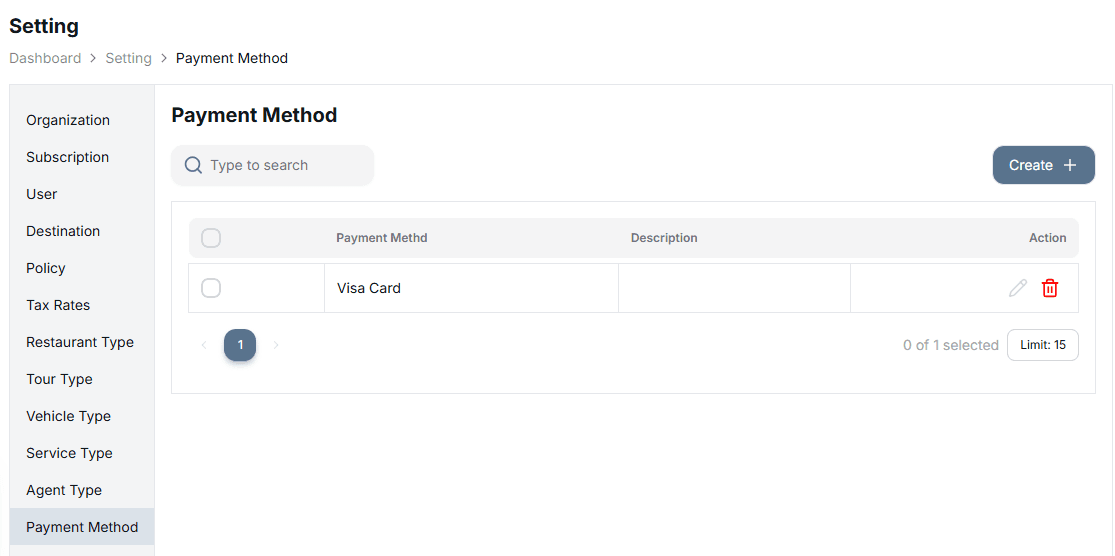
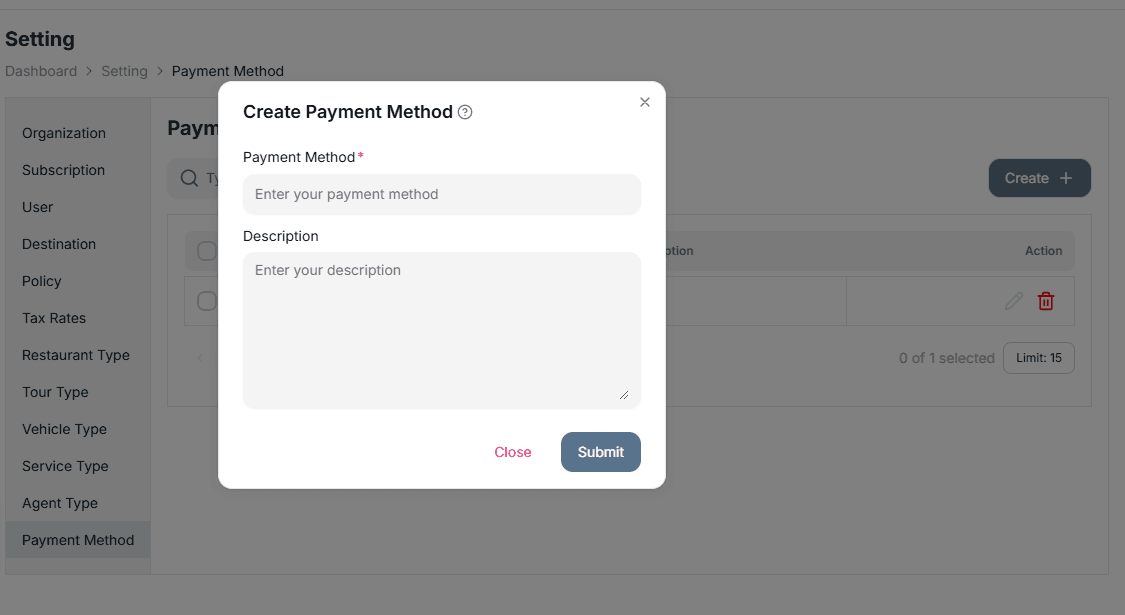
- Click on Create in order to input the payments you want to support.
Start now and turn your business into a fully functioned tour operation. Get started with a 3-month trial.